
Overview
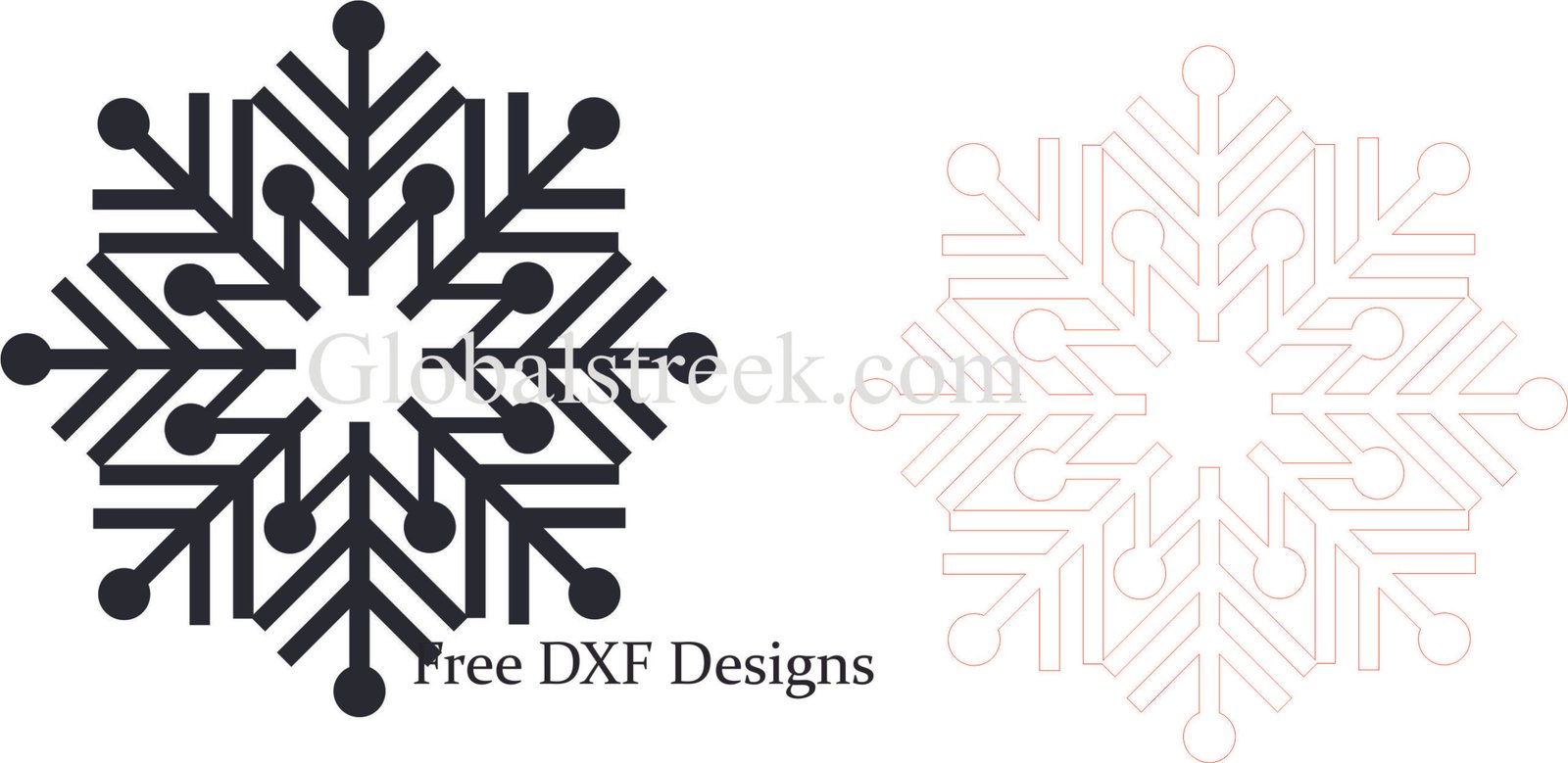
The theme of winter is one that deeply inspires creativity and beauty. Snowflake inspired ornaments are exemplary signifiers of beauty in winter. Laser cut winter snow ornaments are a beautiful addition to your festive decor. You can use the snowflake ornaments DXF design files and add your creativity. In this blog, we discuss the charm of Winter snow DXF design files and their cutters.
Uses of Winter Snow Ornament
Snowflake ornaments are connected with winter and are mostly adored because:
- Universal Élan: Winter designs and snowflakes will never go out of style.
- Details and Depths: Ice crystals and snowflake designs are really detailed due to the innovation of laser cutting.
- Universal Appeal: Engraved snowflakes and ice crystals can beautify Christmas trees, houses, windows, and gifts.
- Novel Designs: Cut names or messages into the middle of the snowflakes for added creativity.
Categories of Winter Snow DXF Cut Files Designs
The Winter Season snow DXF files are available for free and these include:
- Traditional Snowflakes: Top layered snowflakes to give a winter ambiance.
- Layered 3D Snow Ornaments: Classic ornament layered snowflakes are beautifully detailed for a natural winter touch.
- Engraved Snowflake Patterns: Multi-layered designs add detailing to the theme giving an elegant touch to the artifacts.
- Hanging Ice Crystals: Modern shapes inspired by snow patterns.
- Personalized Snowflake Ornaments: Great to customize by engraving names or text.
How to Use Winter Snow Ornament DXF Files
Step 1: Download the DXF File
First, choose a DXF file that showcases your craftsmanship. Also, make sure that it is suitable for your laser cutter as well as the material you intend to use.
Step 2: Import into Laser Cutting Software
Software you can use includes but is not limited to:
- LightBurn – Widely used in the laser cutting and engraving industry.
- RDWorks – Specifically designed for CO2 laser cutters.
- CorelDRAW or AutoCAD – Helpful when it comes to working on vector graphics.
Step 3: Adjust Cutting and Engraving Settings
- Material Selection: Choose from MDF, Plywood, Acrylic or even Metal.
- Laser Power & Speed: Set the details to a fine level without overheating.
- Engraving Depth: Set to enhance the snowflakes while achieving a clean and crisp design.
Step 4: Cut, Finish, and Assemble
After the design is cut, clean the edges and apply finishing touches like sanding, or adding paint, glitter, and metallic details. Attach a hook or ribbon for easy hanging.
Conclusion
The use of Winter snow ornaments is the perfect decor to decorate during the festive season.
By using DXF files, you can easily make detailed laser cutting snowflakes and other winter-themed designs. These ornaments can be used for personal purposes, holiday gifts, or even for selling crafts. No matter what it is, these snowflakes bring winter magic to every setting.
Start Making With The Downloadable Free DXF File!
You can enhance your decorations with a wondrous snow ornament, which will allow you to put your creativity to use. So, don’t miss out on the chance to download your DXF file today!

Leave A Comment