
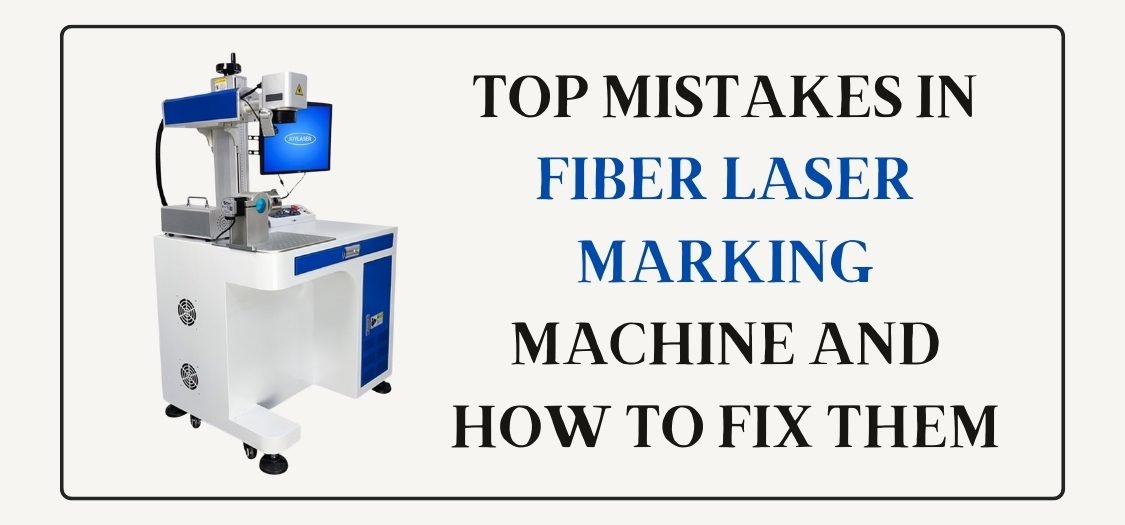
Top Mistakes in Fiber Laser Marking Machine and How to Fix Them
A fiber laser marking machine gives fast, clean, and permanent marking on metal and plastic. But many users, especially beginners, make small mistakes that reduce quality and waste time. The good news is that most problems are easy to fix once you understand them.
This article explains the most common fiber laser marking mistakes and shows simple solutions you can apply immediately.
Table of Contents
1. Using the Wrong Focus Distance
Mistake
Many users do not set the correct focus height. This causes light marking, blur, or uneven results.
How to Fix
Always set the focus according to your lens:
- 110×110 lens → correct focal distance
- 175×175 lens → longer focal distance
Use a focus gauge or red light preview before marking.
2. Wrong Power and Speed Settings
Mistake
High power with slow speed burns the surface.
Low power with fast speed gives weak marking.
How to Fix
Start with balanced settings:
- Reduce power if marks look burnt
- Reduce speed if marks look too light
- Test on scrap material first
Every material needs different settings.
3. Poor File Quality (DXF / CDR Issues)
Mistake
Low-quality DXF or CDR files cause broken lines, double marking, or missing shapes.
How to Fix
Use clean vector files:
- Avoid duplicate lines
- Convert text to curves
- Use trusted sources like GlobalStreek.com, where you get free and premium laser-ready DXF and CDR files for marking and engraving.
4. Incorrect Hatch Settings
Mistake
Wrong hatch angle, spacing, or overlap makes marking uneven.
How to Fix
Try these basic settings:
- Hatch spacing: 0.02–0.05 mm
- Hatch angle: 0° + 90° (cross hatch)
- Use two layers for deep marking
Adjust based on material type.
5. Ignoring Material Type
Mistake
Using the same settings for steel, aluminum, brass, or plastic.
How to Fix
Each material reacts differently:
- Stainless steel → medium power, slower speed
- Aluminum → lower power, faster speed
- Plastic → very low power
Create a setting chart for regular jobs.
6. Dirty Lens or Galvo Head
Mistake
Dust and smoke settle on the lens and mirrors, reducing laser strength.
How to Fix
- Clean the lens weekly
- Use proper lens cleaning solution
- Install an exhaust system to remove smoke
Clean optics = sharp marking.
7. Software Setup Errors (EZCAD / Other)
Mistake
Wrong software parameters cause size mismatch or missing marks.
How to Fix
- Set correct field size
- Check correction file (CFG)
- Import DXF/CDR with proper scale
Always preview before marking.
8. No Test Marking Before Final Job
Mistake
Direct marking on the final product without testing.
How to Fix
Always do a test run:
- Use scrap material
- Adjust power, speed, and hatch
- Save working parameters
This step saves money and material.
9. Poor Ventilation and Safety Neglect
Mistake
Ignoring fumes and reflections harms health and machine life.
How to Fix
- Use a proper exhaust system
- Wear laser safety glasses
- Keep reflective objects away
Safety improves performance too.
Final Thoughts
A fiber laser marking machine works best when settings, files, and maintenance stay correct. Most mistakes happen due to hurry or lack of testing. Once you fix these common errors, your marking quality will improve fast.
For ready-to-use DXF and CDR designs, visit GlobalStreek.com, where you can download free and premium laser cutting and marking files, perfect for engraving, marking, and cutting jobs.

Leave A Comment