
Introduction
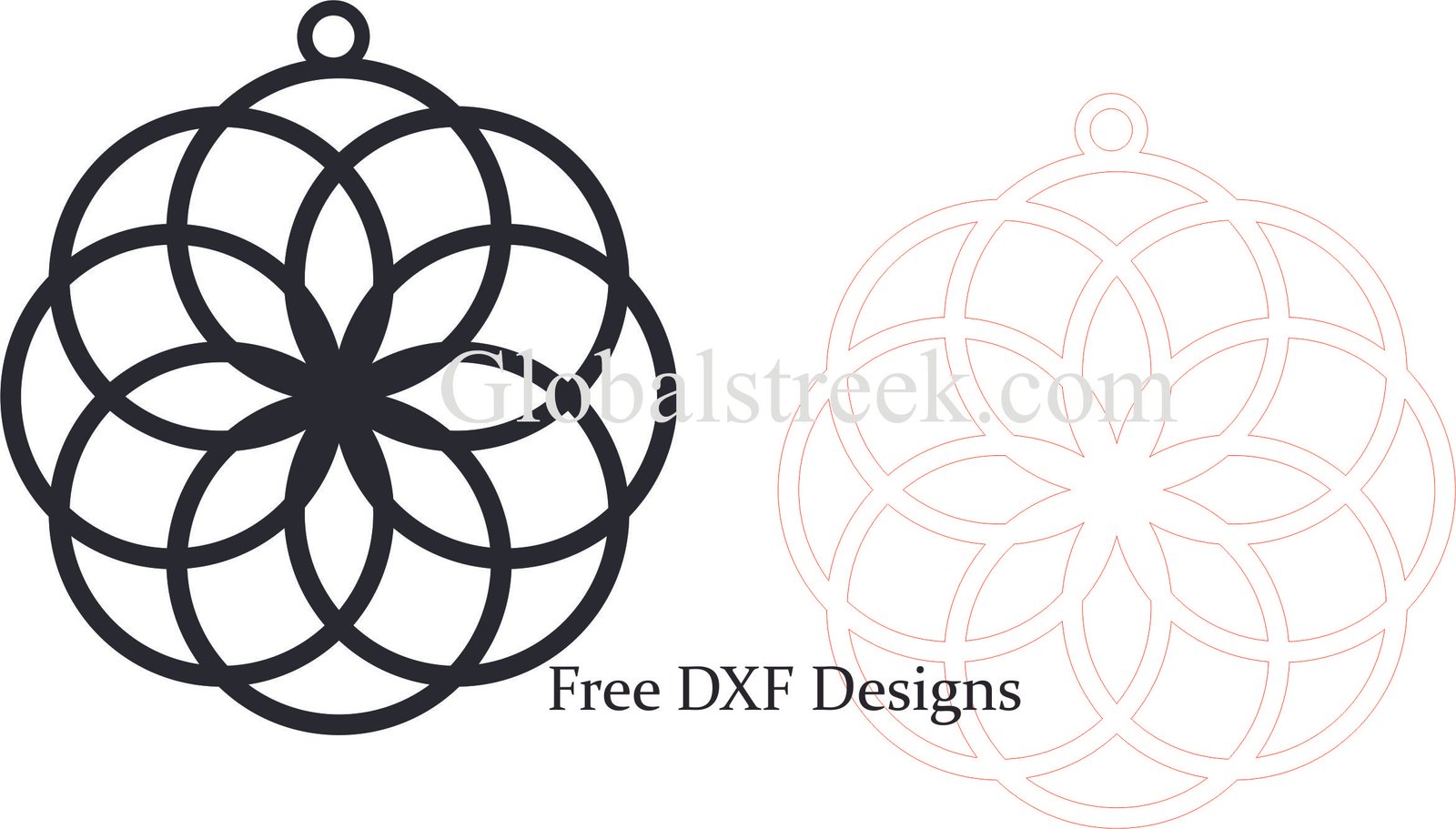
Special cut ornaments are specific cuts that can be elegantly added to very well thought out designs. These designs can be used on laser-cut ornaments, as they make beautiful stands out patterns. They make customized gifts more appealing, decor for holiday celebrations and home beautifully. With special cut ornaments, you get a lot of free DXF files so you can create extraordinary ornaments with a laser cutter. This article will talk about the benefits of special cut ornaments, variety of DXF designs available and how to achieve great results using DXF files at a professional level.
Why Choose a Special Cut Ornament?
Special cut ornaments features:
- Unique and Creative Designs: Personalized with their own form, shape and custom detailed patterns.
- Versatility: Christmas and wedding decorations, home decor or custom gifts.
- Precision Cutting: Laser cuting technology makes it possible to cut highly detailed and fragile delicate designs.
- Customizable Options: They can have names, messages or layered designs to add a more special touch.
Types of Special Cut Ornament DXF Designs
There are numerous designs available in DXF files. Some of these special cut ornaments are as follows:
- Geometric Cut-Out Ornaments: Stylish look with modern and abstract patterns cut out.
- Floral and Filigree Designs: Embellishment in an elegant touch with delicate lace style engraved patterns.
- Layered Multi-Dimensional Ornaments: Add depth with multiple layers made by cuts.
- Holiday-Themed Special Cuts: With complicated designs as Christmas trees, reindeer, bells, and stars.
- Personalized Name Ornaments: Provide initials, names, or unique dates as gifts that will be cherished.
How To Use Special Cut Ornament DXF Files
Step 1 – Download The DXF File
Locate a DXF file that is of the highest quality and matches the project’s requirements. Also, be sure that it works with your laser cutter and its material.
Step 2 – Import Into Laser Cutting Software
Use programs like:
- LightBurn: Ideal for laser grade engraving and cutting.
- RDWorks: Good for CO2 laser machineries.
- CorelDRAW or AutoCAD: Great for editing and creating vector images.
Step 3 – Set Cutting/Engraving Parameters
- Material MDF, plywood, acrylic or metal.
- Laser Power & Speed: Must be adjusted to allow smooth cuts with fine details.
- Engraving Depth: Changes the texture and level of detail given.
Step 4 – Cut, Finish, and Assemble
Post laser cutting, clean the edges and perform edge sanding. Paint, add metallic accents, glitter and more finishing touches as desired. Add a ribbon or hook to provide hanging options.
Conclusion
Special cut ornaments are more than dexterous, they create a magnificent aesthetic for any occasion.
Making beautiful presents, decorations, and keepsakes with intricate designs is easy with free DXF files. It doesn’t matter if you’re designing for yourself to keep, selling handmade items, or gifting loved ones—these one-of-a-kind ornaments are sure to impress since they offer a personal touch.
Download Your Free DXF File and Start Creating Right Now!
Bring your designs to life with fantastic laser-cut ornaments in special shapes. Download the free DXF file now to make your design a reality!

Leave A Comment