
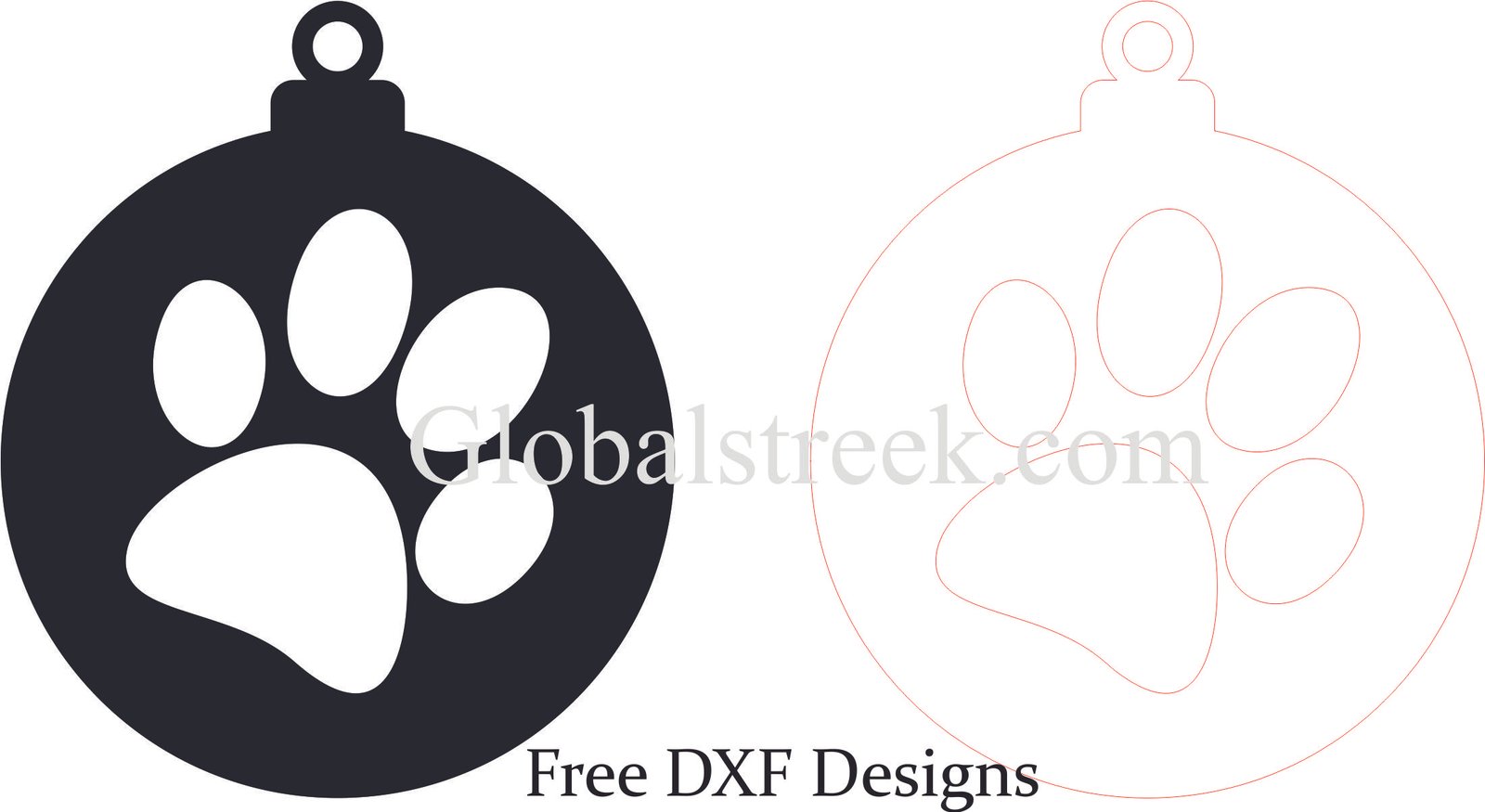
In crafts and decorations, ornaments are used to add style, creativity, and beauty to the entire piece. Whether having it for Christmas, home decoration, or other events, these pieces offer unique styles and intricate details. With the aid of a laser cutter, designing custom ornaments is straightforward, and with a free DXF file to download, stunning pieces can be crafted with ease. This file allows for precision and ease of cut and design.
What Are The Advantages of Using Laser Template?
Below are details why ornaments are widely accepted.
- Usage In A Variety Of Decorations: Perfect embellishments for Christmas trees, gifts, wall decorations, keychains, etc.
- Stylized Cutouts: Laser-cutting permits intricate and detailed patterns with complex fine cutouts.
- Suitable For Seasonal Occasions: Works well for festive decorations, weddings, and other tailored projects.
- Customizable Options: Unique and one of a kind with names, dates, or any type of engravings.
Available DXF Styles For Ornaments
Free DXF files contain multiple styles of ornaments such as:
- Basic Round Ornaments: Simple yet beautiful cutout designs.
- Floral And Mandala Ornaments: Nature inspired artistic patterns.
- Geometric And Filigree Designs: Lace-like or modern shapes.
- Theme Based Ornaments: Trees, snowflakes, stars, bells, and hearts for birthdays and Christmas celebrations.
- Name Ornaments: Personalized using engravings and initials.
How To Utilize DXF Design Files For The Ornaments
Step 1: Download the DXF File
Pick the most suitable DXF file that meets the required standards and is compatible with your laser cutting device.
Step 2: Import the Design Into Laser Cutting Software
Use programs such as:
- LightBurn – Recommended for accurate engraving and cutting.
- RDWorks – Effective with CO2 laser devices.
- CorelDRAW or AutoCAD – Editing and designing vector graphics is possible.
Step 3: Adjust the Cutting and Engraving Settings
- Material Selection: MDF, plywood, acrylic, metal.
- Laser Power & Speed: Set optimal values for sharp and clear cutting.
- Engraving Depth: Set values to ensure the finer details of the design are visible.
Step 4: Cut, Finish and Put Together the Pieces
After you are done cutting, refine the rough edges and embellish appropriately using paint, wood polish, or metallic paint. Use a ribbon or string for hanging purposes.
Conclusion
Ornament designs add a unique and beautiful touch to any piece of work. With the provided free DXF files, you are able to make stunning laser cut ornaments which can be used for decorating your home, festive occasions, or even as personalized gifts. These designs are wonderful complements to your simple or complicated artistic works.
Download Your Free DXF File and Begin Crafting Now!
Create stunning ornaments by using precise lasers for cutting.
Claim your free DXF file today and add a touch of elegance to your next project!

Leave A Comment