
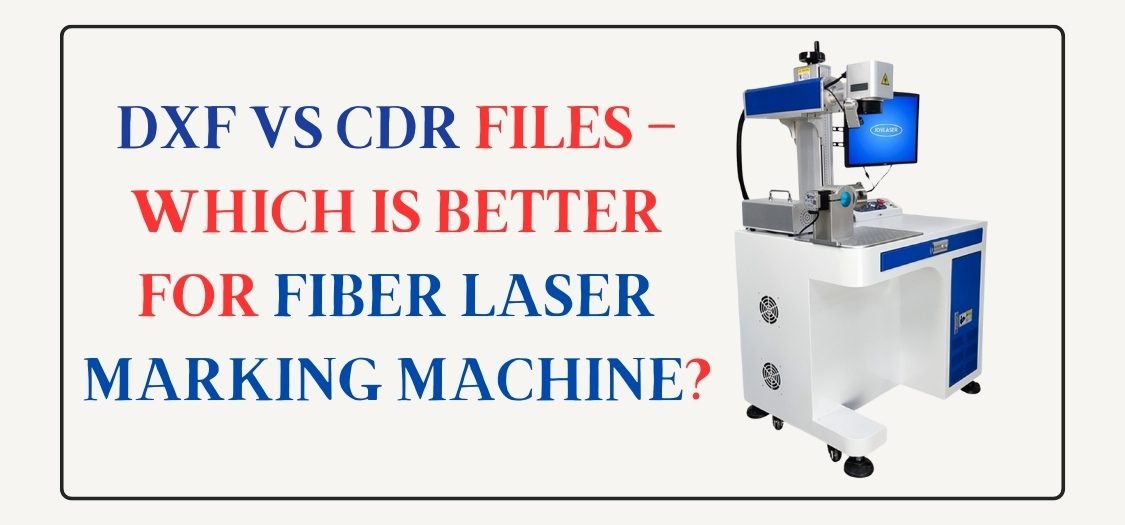
DXF vs CDR Files: Which Is Better for Fiber Laser Marking Machine?
Introduction
When you use a fiber laser marking machine, the design file you choose makes a big difference. Many users feel confused between DXF and CDR files. Both formats work with laser machines, but they serve different purposes.
In this article, I will explain DXF vs CDR files in simple language, so you can easily understand which file is better for fiber laser marking machine and when to use each one.
What Is a DXF File?
DXF stands for Drawing Exchange Format. AutoCAD created this format mainly for engineering and CNC work.
DXF files store designs as clean vector paths. Fiber laser machines read these paths very accurately.
Why DXF Is Popular in Fiber Laser Work
- Clean and precise lines
- No extra effects or fills
- Best for technical and industrial marking
- Works smoothly in EZCAD and LightBurn
Most professionals prefer DXF because it gives predictable laser results.
What Is a CDR File?
CDR is the native file format of CorelDRAW. Designers often use it for creative and visual designs.
CDR files allow text, shapes, curves, and effects in one file. Many laser users design in CorelDRAW and then export files for marking.
Why People Use CDR Files
- Easy design creation
- Good for logos and artwork
- Simple text editing
- Designer-friendly interface
CDR works well, but it needs careful handling before laser marking.
DXF vs CDR: Key Differences
| Feature | DXF File | CDR File |
|---|---|---|
| Accuracy | Very high | Medium to high |
| Best Use | Laser & CNC work | Design & artwork |
| Software Support | EZCAD, LightBurn | CorelDRAW |
| Error Risk | Very low | Medium |
| Beginner Friendly | Medium | High |
| Laser Ready | Yes | Needs conversion |
Which File Is Better for Fiber Laser Marking Machine?
DXF Is Better When:
- You want accurate marking
- You work on metal engraving
- You need clean and sharp edges
- You do industrial or repeat work
DXF is the best and safest choice for fiber laser marking machine.
CDR Is Better When:
- You design logos or text
- You want fast design editing
- You create custom artwork
👉 Use CDR for designing, then convert to DXF for marking.
Common Problems with CDR Files in Laser Work
Many beginners face these issues:
- Broken lines after import
- Filled shapes causing double marking
- Font issues
- Scale problems
These problems happen because laser software reads vectors differently than design software.
Best Workflow for Fiber Laser Marking
- ✔ Design in CorelDRAW (CDR)
- ✔ Convert or export to DXF
- ✔ Import DXF into EZCAD or LightBurn
- ✔ Test on scrap material
- ✔ Start final marking
This workflow gives clean and professional results.
Lorem ipsum dolor sit amet, consectetur adipiscing elit. Ut elit tellus, luctus nec ullamcorper mattis, pulvinar dapibus leo.
File Formats Supported by Fiber Laser Software
Most fiber laser marking machines support:
- DXF
- CDR
- AI
- SVG
- PLT
But DXF gives the most stable results.
Where to Get Laser-Ready DXF & CDR Files
If you don’t want to design from scratch, visit GlobalStreek.com.
There you can:
- Download free laser cutting design files
- Get premium and fresh designs
- Use DXF and CDR formats
- Start engraving, marking, or cutting instantly
All files are optimized for fiber laser marking machine use.
Conclusion
Both DXF and CDR files are useful, but they have different roles. A fiber laser marking machine works best with DXF files because they are clean, stable, and laser-friendly.
If you follow the right workflow and use quality design files, you will get sharp and professional laser results every time.

Leave A Comment