Description
Beautiful Shrinath Ji Wall Art Design
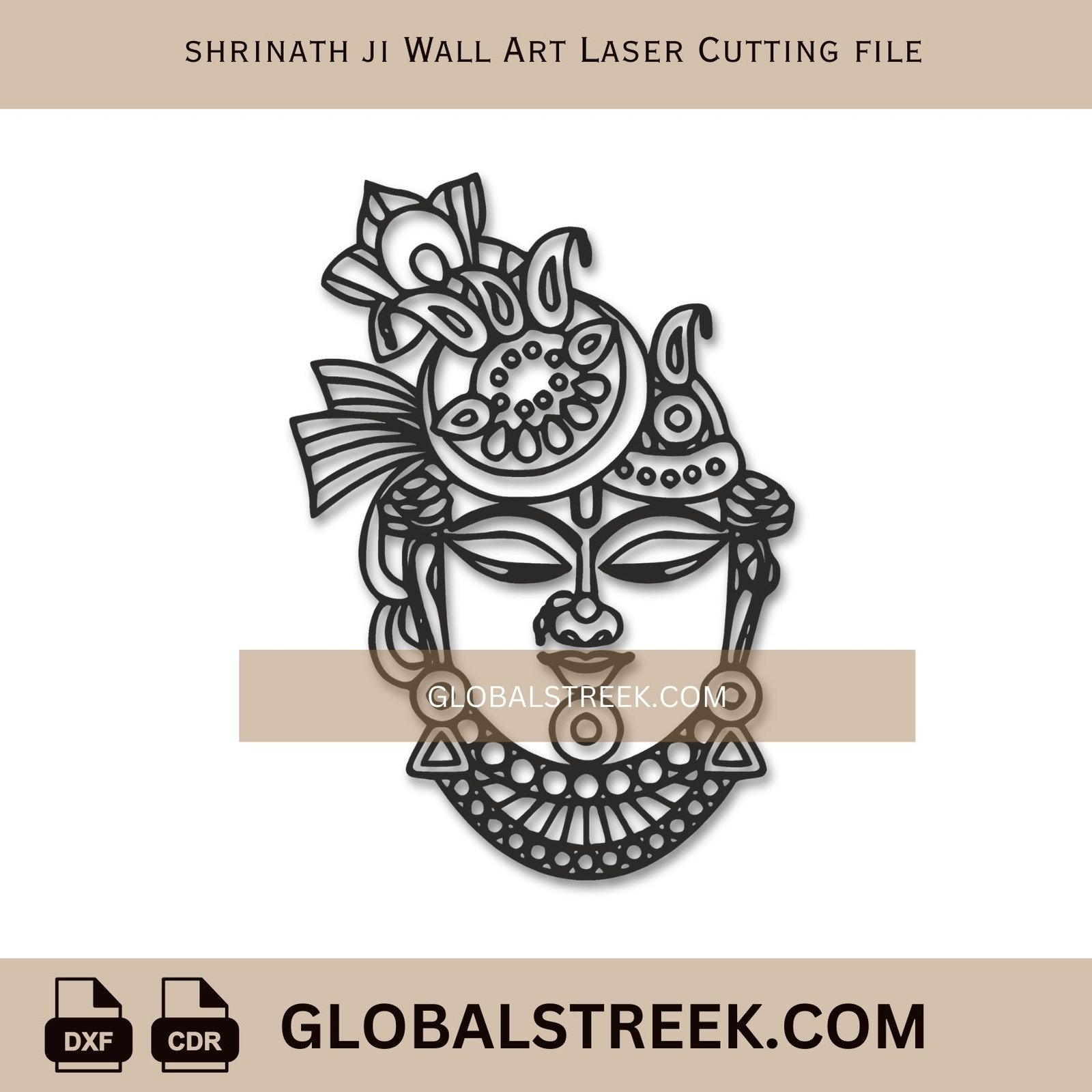
The Shrinath Ji Wall Art Laser Cutting File is a detailed digital artwork designed for CNC and laser cutting machines. This design represents the sacred image of Shrinath Ji, making it perfect for spiritual wall decor in homes, temples, and prayer rooms. The file is ready to cut, so you can download it and begin cutting immediately.
The vector layout is clean and optimized for smooth laser machine movement.
DXF & CDR Format – Easy to Use
This Shrinath Ji Wall Art Laser Cutting File is available in DXF and CDR formats. These formats open easily in CAD software and laser cutting programs. You can resize the design according to your material size and project needs.
The design works perfectly on plywood, MDF, acrylic, and similar materials. Proper spacing helps achieve precise cutting and clean edges during laser cutting.
Perfect for Religious Wall Decor Projects
Many creators use this artwork as a Shrinath Ji CNC Design for devotional craft and temple decor. It also works beautifully as a Krishna Wall Art Laser Cut File for spiritual home decoration.
Woodcraft artists rely on it as a Hindu God Laser Cutting Design because the detailing remains clear after cutting. Interior designers often choose it as a Religious Wall Art CNC Pattern to enhance prayer rooms and meditation spaces. The design also works perfectly as a Indian Temple Wall Art Laser Design, creating a peaceful and traditional atmosphere.
Ready-to-Cut Digital Design
The Shrinath Ji Wall Art Laser Cutting File is optimized for fast workflow and professional cutting results. You can open the file directly in CAD software or laser cutting machines and start production without additional adjustments.
This product is a digital download only. No physical item will be shipped. If you need support while using the file, you can contact us anytime. If you require another size, thickness adjustment, or a different model not listed on GlobalStreek, you can request customization.
HOW YOU WILL RECEIVE FILES?
After purchasing a digital file, you’ll see a “Download Now” link which takes you to the Downloads page. From there, you can easily download all the files included with your order anytime.
All files are ready to use. Simply open them in CAD or laser cutting software and start cutting. If you face any issue while downloading or using the files, feel free to contact us and we will gladly help you.