
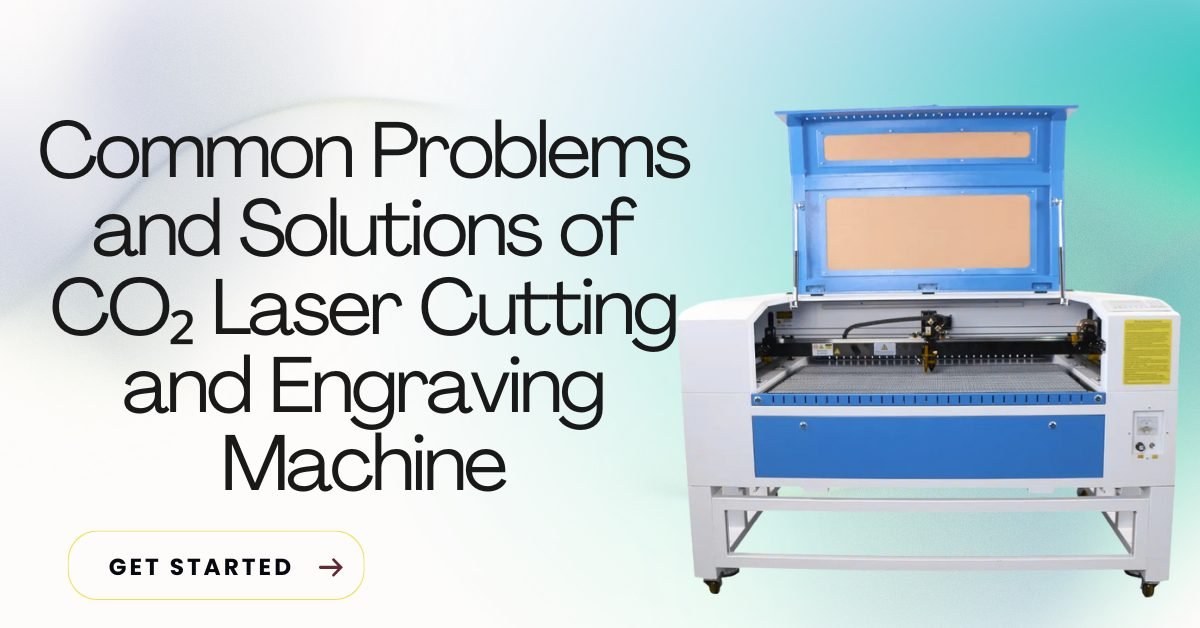
Common Problems and Solutions of CO₂ Laser Cutting and Engraving Machine
A CO₂ laser cutting and engraving machine is reliable and powerful, but problems can still appear if settings, maintenance, or files are not correct. Most issues are common and easy to fix once you understand the reason behind them.
This article explains the most common CO₂ laser cutting and engraving problems and gives simple, practical solutions you can apply immediately.
Table of Contents
✅ Laser Not Cutting Through Material
Problem
The laser engraves the surface but does not cut completely.
Causes
- Low laser power
- High cutting speed
- Incorrect focus height
- Worn-out laser tube
Solution
- Increase power slightly
- Reduce cutting speed
- Set correct focus distance
- Check laser tube health
Always test on scrap material first.
✅ Burn Marks on Wood or Acrylic
Problem
Edges look black or burnt after cutting.
Causes
- Too much power
- Very slow speed
- Poor air assist
Solution
- Reduce laser power
- Increase cutting speed
- Use strong air assist
- Mask the surface with tape (for wood)
✅ Uneven or Light Engraving
Problem
Engraving depth looks inconsistent or very light.
Causes
- Wrong focus
- Dirty lens or mirrors
- Incorrect engraving speed
Solution
- Re-focus the laser
- Clean mirrors and lens
- Reduce engraving speed
Clean optics improve engraving quality a lot.
✅ Double Lines or Overlapping Cuts
Problem
The laser cuts the same line twice.
Causes
- Duplicate paths in design file
- Improper DXF/CDR import
Solution
- Remove duplicate lines in the design
- Convert text to curves
- Use clean vector files
👉 Use laser-ready DXF and CDR files from GlobalStreek.com to avoid this issue.
✅ Machine Not Reading File
Problem
The CO₂ laser software does not open the design file.
Causes
- Unsupported file format
- Corrupt file
- Wrong software version
Solution
- Use DXF, CDR, SVG, or AI formats
- Re-export the file
- Open file in CorelDRAW or LightBurn first
✅ Poor Cutting Quality on One Side
Problem
One side cuts well, the other does not.
Causes
- Misaligned mirrors
- Uneven bed
- Focus problem
Solution
- Align mirrors properly
- Level the cutting bed
- Check focus at all corners
✅Excessive Smoke or Smell
Problem
Too much smoke during cutting or engraving.
Causes
- Weak exhaust system
- Wrong material
- Dirty work area
Solution
- Improve exhaust ventilation
- Never cut PVC or harmful plastics
- Clean machine regularly
Good ventilation protects your health and machine.
✅ Laser Power Feels Weak
Problem
Cutting quality decreases over time.
Causes
- Aging laser tube
- Poor cooling
- Dirty optics
Solution
- Check water chiller temperature
- Replace laser tube if needed
- Clean mirrors and lens
✅Software Crashing or Freezing
Problem
Software hangs during operation.
Causes
- Heavy files
- Old computer
- Incorrect drivers
Solution
- Simplify design files
- Use a dedicated PC
- Update software and drivers
✅Engraving Image Looks Poor
Problem
Photo engraving looks unclear.
Causes
- Low-resolution image
- Wrong image mode
- Fast engraving speed
Solution
- Use high-resolution images
- Convert to grayscale
- Slow down engraving speed
Final Thoughts
Most CO₂ laser cutting and engraving problems happen due to incorrect settings, poor files, or lack of maintenance. With regular cleaning, correct focus, and good design files, your machine will perform smoothly.
For free and premium laser cutting and engraving designs, visit GlobalStreek.com. All files are tested, clean, and ready to use for CO₂ laser machines.

Leave A Comment