
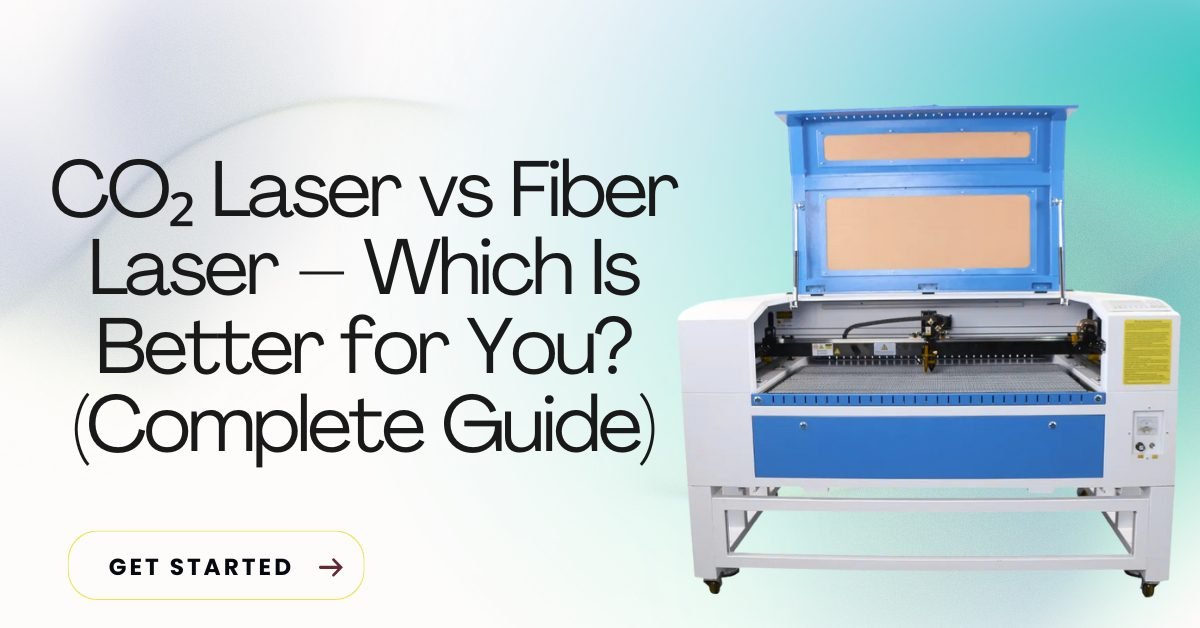
CO₂ Laser vs Fiber Laser: Which Is Better for You?
Choosing between a CO₂ laser machine and a fiber laser machine is one of the biggest decisions for anyone starting or growing a laser business. Both machines work differently, serve different materials, and fit different budgets.
This article explains CO₂ laser vs fiber laser in detail so you can decide which one is better for you, based on your work, budget, and future plans.
Table of Contents
What Is a CO₂ Laser Machine?
A CO₂ laser machine uses a gas-filled tube to produce a laser beam. It works best on non-metal materials and is very popular with beginners.
Materials CO₂ Laser Can Cut & Engrave
- Wood & plywood
- Acrylic
- MDF
- Leather
- Fabric
- Rubber
- Paper & cardboard
- Glass (engraving only)
Common Uses
- Sign boards
- Wedding items
- Gifts & crafts
- Acrylic letters
- School projects
What Is a Fiber Laser Machine?
A fiber laser machine uses a solid-state laser source and is designed mainly for metal marking and engraving.
Materials Fiber Laser Can Mark
- Stainless steel
- Aluminum
- Brass
- Copper
- Gold & silver
- Iron
Common Uses
- Metal nameplates
- QR codes & barcodes
- Industrial marking
- Tool marking
- Jewelry engraving
CO₂ Laser vs Fiber Laser: Main Differences
1. Material Capability
| Feature | CO₂ Laser | Fiber Laser |
|---|---|---|
| Wood | ✅ Yes | ❌ No |
| Acrylic | ✅ Yes | ❌ No |
| Leather | ✅ Yes | ❌ No |
| Metal | ❌ No | ✅ Yes |
| Plastic | ✅ Yes | ⚠ Limited |
👉 Winner:
- Non-metal work → CO₂ Laser
- Metal marking → Fiber Laser
2. Cutting vs Marking
- CO₂ Laser → Cutting + engraving non-metals
- Fiber Laser → Marking & engraving metals (cutting only with high power)
👉 For beginners, CO₂ offers more creative options.
3. Machine Cost (India)
| Machine Type | Price Range |
|---|---|
| CO₂ Laser | ₹60,000 – ₹3,50,000 |
| Fiber Laser | ₹1,80,000 – ₹6,00,000+ |
👉 CO₂ laser is budget-friendly
👉 Fiber laser needs higher investment
4. Maintenance & Running Cost
CO₂ Laser
- Laser tube replacement after time
- Mirror & lens cleaning required
- Water cooling needed
Fiber Laser
- Very low maintenance
- Long laser source life
- Stable performance
👉 Fiber laser wins in long-term durability
5. Software & File Support
Both machines support:
- DXF
- CDR
- AI
- SVG
Common software:
- CO₂ Laser → LightBurn, RDWorks, CorelDRAW
- Fiber Laser → EZCAD, LightBurn (some models)
👉 For ready-to-use laser cutting and engraving files, download free and premium designs from GlobalStreek.com. Files are clean, tested, and laser-ready.
6. Learning Curve
- CO₂ Laser → Easy to learn, beginner-friendly
- Fiber Laser → Needs technical understanding
👉 Beginners should start with CO₂ laser
Which Laser Is Better for You?
Choose CO₂ Laser If:
- ✔ You work with wood, acrylic, leather
- ✔ You want to start a small business
- ✔ You want cutting + engraving
- ✔ You want low investment
- ✔ You use laser design files frequently
Choose Fiber Laser If:
- ✔ You work with metal
- ✔ You need permanent marking
- ✔ You want industrial-level output
- ✔ You focus on QR codes, serial numbers
- ✔ You want low maintenance long-term
Can You Use the Same Design Files?
Yes, but usage differs:
- CO₂ Laser → Uses DXF/CDR for cutting shapes
- Fiber Laser → Uses DXF/CDR mainly for marking
👉 Download free and premium laser cutting & engraving design files from GlobalStreek.com for both CO₂ and fiber laser machines.
Business Tip (Important)
Many professionals use both machines:
CO₂ laser for non-metal products
Fiber laser for metal marking
This gives maximum business opportunities.
Conclusion
There is no single “best” machine for everyone.
- CO₂ Laser is best for beginners, creators, and non-metal work
- Fiber Laser is best for metal marking and industrial use
Choose the machine based on your material, budget, and future plans, not just trends.

Leave A Comment