
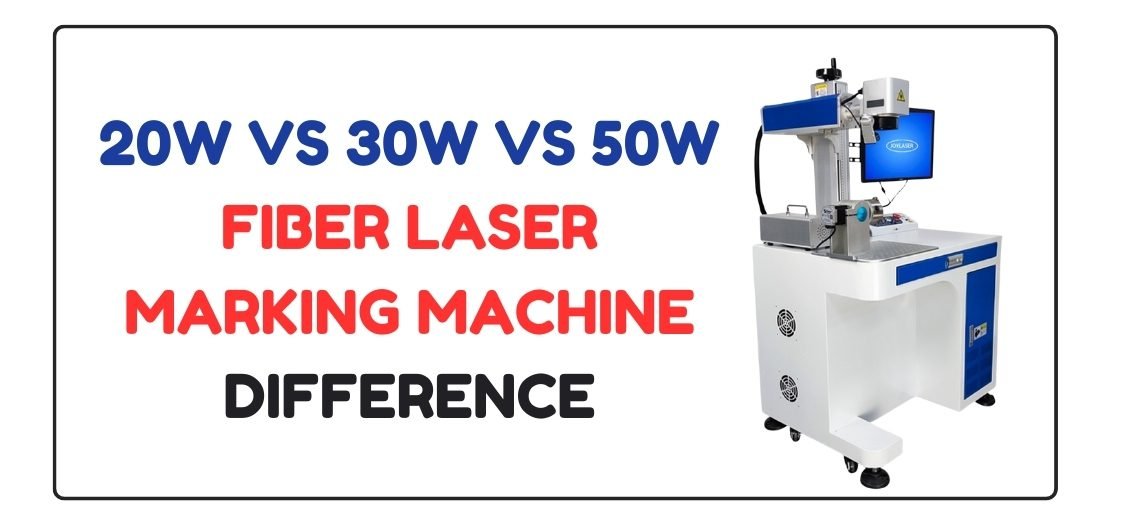
20W vs 30W vs 50W Fiber Laser Marking Machine: What Is the Difference?
Choosing the right fiber laser marking machine wattage is one of the most important decisions before buying. Many beginners feel confused between 20W, 30W, and 50W machines. Each watt level has a different purpose, speed, depth, and cost.
This guide explains the differences in simple language so you can choose the best option for your work.
Table of Contents
Why Wattage Matters in a Fiber Laser Marking Machine
Wattage controls how powerful the laser beam is. Higher wattage means:
- Faster marking speed
- Deeper engraving
- Better performance on hard metals
- Higher machine cost
Lower wattage means:
- Slower marking
- Light engraving
- Lower cost
- Better for beginners
20W Fiber Laser Marking Machine
Best For: Beginners & Light Work
A 20W fiber laser marking machine is the most popular choice for beginners. It is affordable and easy to use.
Key Features
- Ideal for light marking and surface engraving
- Works well on stainless steel, aluminum, brass
- Lower power consumption
- Easy maintenance
Limitations
- Slower speed compared to higher watt machines
- Limited depth engraving
- Not suitable for heavy industrial work
Who Should Choose 20W?
- ✔ Beginners
- ✔ Hobby users
- ✔ Small shops
- ✔ Name plates, logos, serial numbers
30W Fiber Laser Marking Machine
Best For: Small Business & Professional Use
A 30W fiber laser marking machine offers a perfect balance between power and price. It is faster and more flexible than 20W.
Key Features
- Faster marking speed
- Deeper engraving on metal
- Better contrast on stainless steel
- Suitable for regular production work
Limitations
- Higher price than 20W
- Slightly higher power usage
Who Should Choose 30W?
- ✔ Small business owners
- ✔ Custom product sellers
- ✔ Workshops
- ✔ Daily marking and engraving jobs
50W Fiber Laser Marking Machine
Best For: Industrial & Heavy Work
A 50W fiber laser marking machine is designed for high-speed and deep engraving. It handles tough jobs easily.
Key Features
- Very fast marking speed
- Deep engraving on hard metals
- Can cut thin metal sheets
- Best for mass production
Limitations
- Higher cost
- Not beginner-friendly
- Requires experience and proper setup
Who Should Choose 50W?
- ✔ Factories
- ✔ Industrial users
- ✔ High-volume production
- ✔ Deep engraving and metal cutting
Comparison Table: 20W vs 30W vs 50W
| Feature | 20W | 30W | 50W |
|---|---|---|---|
| Marking Speed | Low | Medium | High |
| Engraving Depth | Light | Medium | Deep |
| Cost | Low | Medium | High |
| Power Usage | Low | Medium | High |
| Skill Required | Beginner | Medium | Advanced |
| Best Use | Learning & light work | Business use | Industrial use |
Which Watt Fiber Laser Is Best?
The best wattage depends on your work needs, not just budget.
Choose 20W if:
- You are a beginner
- You do light engraving and marking
- You want a low-cost start
Choose 30W if:
- You run a small business
- You want faster speed and better depth
- You work daily on metal products
Choose 50W if:
- You need deep engraving
- You handle large or hard metal jobs
- You want high production speed
👉 For most users, 30W is the best all-round choice.
It offers good speed, strong engraving, and long-term value.
Software and File Formats (All Watt Levels)
All 20W, 30W, and 50W machines usually support:
Software
- EZCAD
- LightBurn (controller dependent)
- CorelDRAW (design creation)
- AutoCAD
File Formats
- DXF
- CDR
- AI
- SVG
- PLT
You can download ready-to-use DXF and CDR laser design files from GlobalStreek.com, including free and premium designs for marking and engraving.
Final Conclusion
There is no single “perfect” wattage for everyone.
- 20W is best for beginners
- 30W is best for small businesses
- 50W is best for industrial use
If you want growth, flexibility, and long-term profit, 30W fiber laser marking machine is the smartest choice for most users.

Leave A Comment